Use This $7 Photo Editing Mini Course to Edit Real Photos With Me, Letter by Letter... and Finally Know Where to Start and When You're Done
No more nudging sliders for 20 minutes, only to flip back and find the original was better.
Backed by My 30-Day Money-Back Guarantee
275,000+ Photographers Taught • 37 Years Behind the Camera
Why Photo Editing Feels Like Guesswork
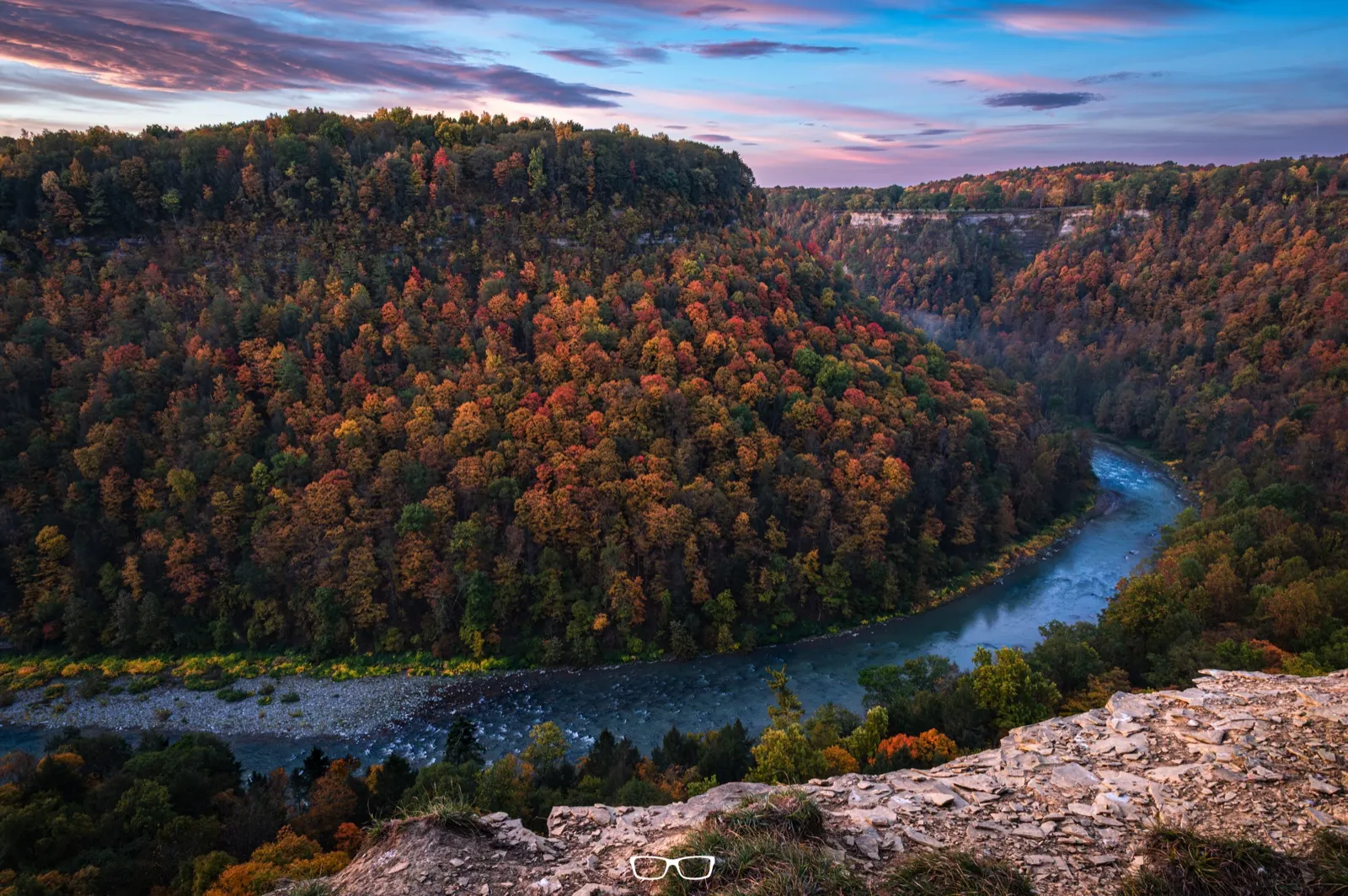

You open a photo you love... and you're not sure what to touch first.
Sliders give you dozens of ways to change a photo.
Presets give you dozens more to scroll through... and none of them tell you where to start, or when to stop.
So every change becomes a guess... and before long, you're fixing what your last change threw off.
I've been there too.
Your free guide gives you the five letters of C.R.A.F.T., and what each one does.
That's the first half.
The second half is seeing them work on a real photo... and then using them yourself.
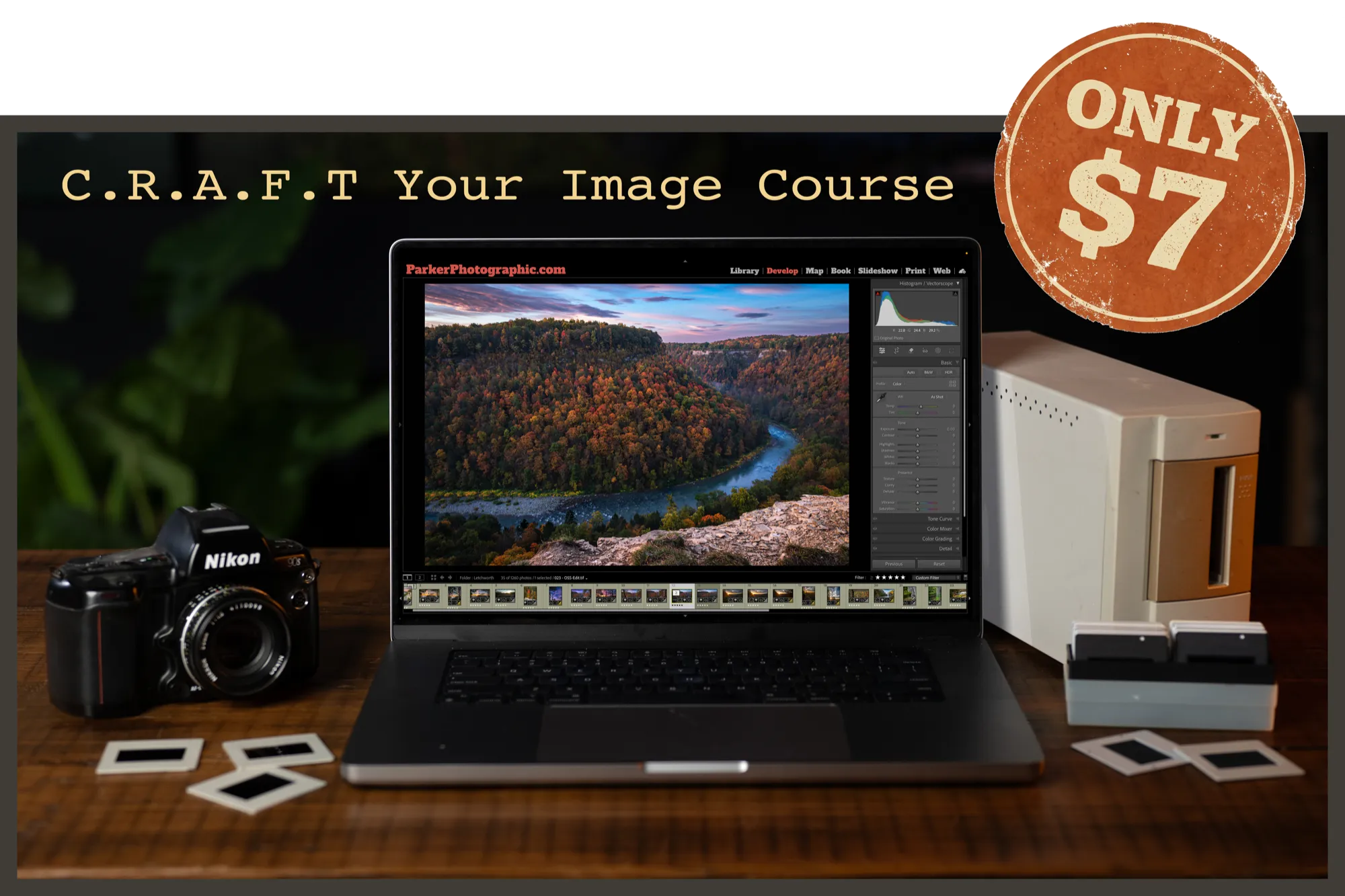
Introducing the C.R.A.F.T. Mini Course
Think back to learning to ride a bike.
You knew what to do... pedal, steer, keep your balance. What made it click was someone running alongside you, one hand on the seat... until the day you didn't need them.
This course works the same way.
Over 7 video lessons, I take my own photos through all five letters, right in front of you.
You'll see where I start, why I make each change, and how I know when I'm done.
Then you download the same hi-res photos and edit them alongside me.
How It Works
I call my approach Photo Storycrafting.
Before you move a single slider, you answer one question about your photo.
That answer is your photo's story... the one thing you want someone to see or feel.
Every letter of C.R.A.F.T. then works to bring it out.
After every letter, you check your photo against that story. That check tells you whether to keep going, ease back, or stop.
On every practice photo, you'll watch me do it first. Then you'll do it yourself.
Letter by letter, it starts to feel natural... so the next time you open a photo, you know what to do without looking it up.
And one day soon, someone stops in front of a print on your wall and asks who the photographer was.
What You'll Learn Inside
- The question I ask before every edit... and why skipping it turns editing into guesswork
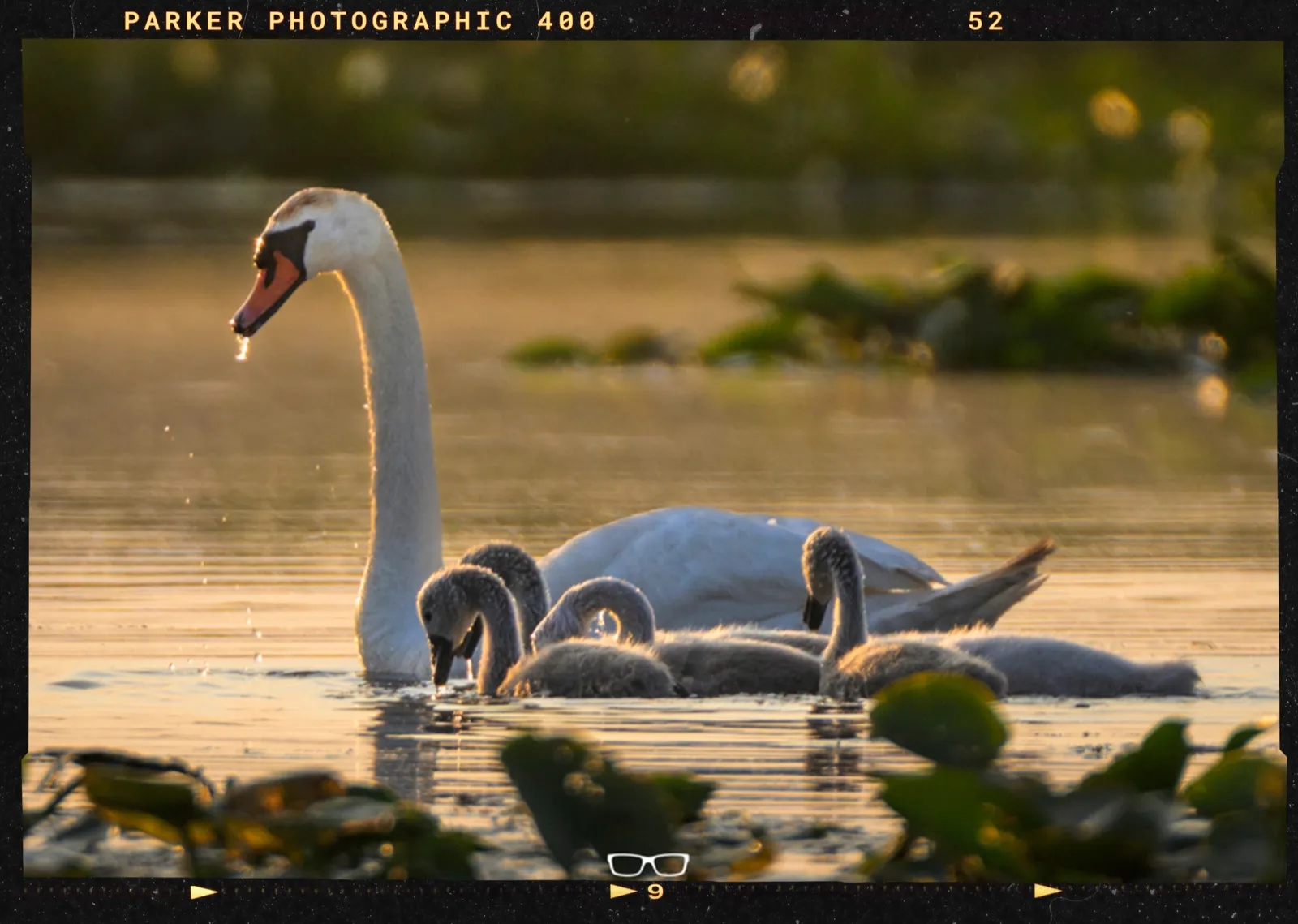
- The crop that cost my swan photo its whole story... and the 4-question check that stops you cropping too tight
- Why fixing the "wrong" color on a sunset can ruin it, and how to tell which color casts to keep
- How to clean up a woodpecker shot at ISO 8,000 without smearing away the feather detail
- How to fix a bright distraction without cloning it out... the orange bush never left the frame
- Why a preset that looks gorgeous on someone else's landscape turns your photo muddy
- How to use all five letters in Lightroom, Luminar Neo, ON1, DxO PhotoLab or whatever you edit with
Your course lives inside PhotoMation, my online photography community.
When you're ready to try C.R.A.F.T. on your own photos, post your edits there for feedback from me and other photographers, and ask questions along the way.
I'm in there every week.
Why I Created C.R.A.F.T.

I'm Chris Parker. I've spent 37 years behind the camera, from portraits and weddings to nature and wildlife, and I've taught more than 275,000 photographers through my courses.
I created C.R.A.F.T. a few months ago for a photographer I was coaching one to one.
He never knew where to start on a photo, or when to stop.
So his photos kept ending up over-edited... and he couldn't see it until I pointed it out.
We'd talked about it throughout the year, but the same mistakes kept showing up week after week.
So I built him a plan he could follow step by step, with a quick check after every letter to keep him from over-editing.
That plan became C.R.A.F.T., and it's your first step toward an editing workflow of your own.
What Photographers Are Saying
From students in my Lightroom courses:
Is This Course Right for You?
It's for you if...
- You know what most of the sliders do, but editing still feels like guesswork.
- You've over-edited a photo and didn't see it until someone pointed it out.
- You learn best by watching it done, then applying it yourself.
- You want your photos to look the way you remember the moment.

Take the course. If it doesn't help, ask for a refund within 30 days and you'll get every penny back, no questions asked.
FAQ
Do I need Lightroom?
No.
I edit in Lightroom Classic, but ON1, Luminar Neo, DxO PhotoLab and the rest all have similar tools.
C.R.A.F.T. works in any of them.
How long are the lessons?
PLACEHOLDER: total runtime of the 7 lessons (needs detail from Parker).
Is this a subscription?
No. It's a one-time payment of $7.
How do I get access?
Right after checkout, you'll get a link to create your account. Set your password, and you're logged straight in to your course.